LOCKEDIN is a local-first productivity app that fuses task management, custom checklists, and multi-journal note-taking into one dark, distraction-free system. It's for anyone juggling separate to-do, list, and notes apps who wants one private, offline tool instead — no account, no cloud, no sync lag.
Now on the App Store
LOCKEDIN Notes & To-Dos.
Tasks, lists, and journals — locked in, fully private.
- No account
- 100% offline
- Home & Lock Screen widgets
- Local reminders
Screenshots
Screenshot
coming soon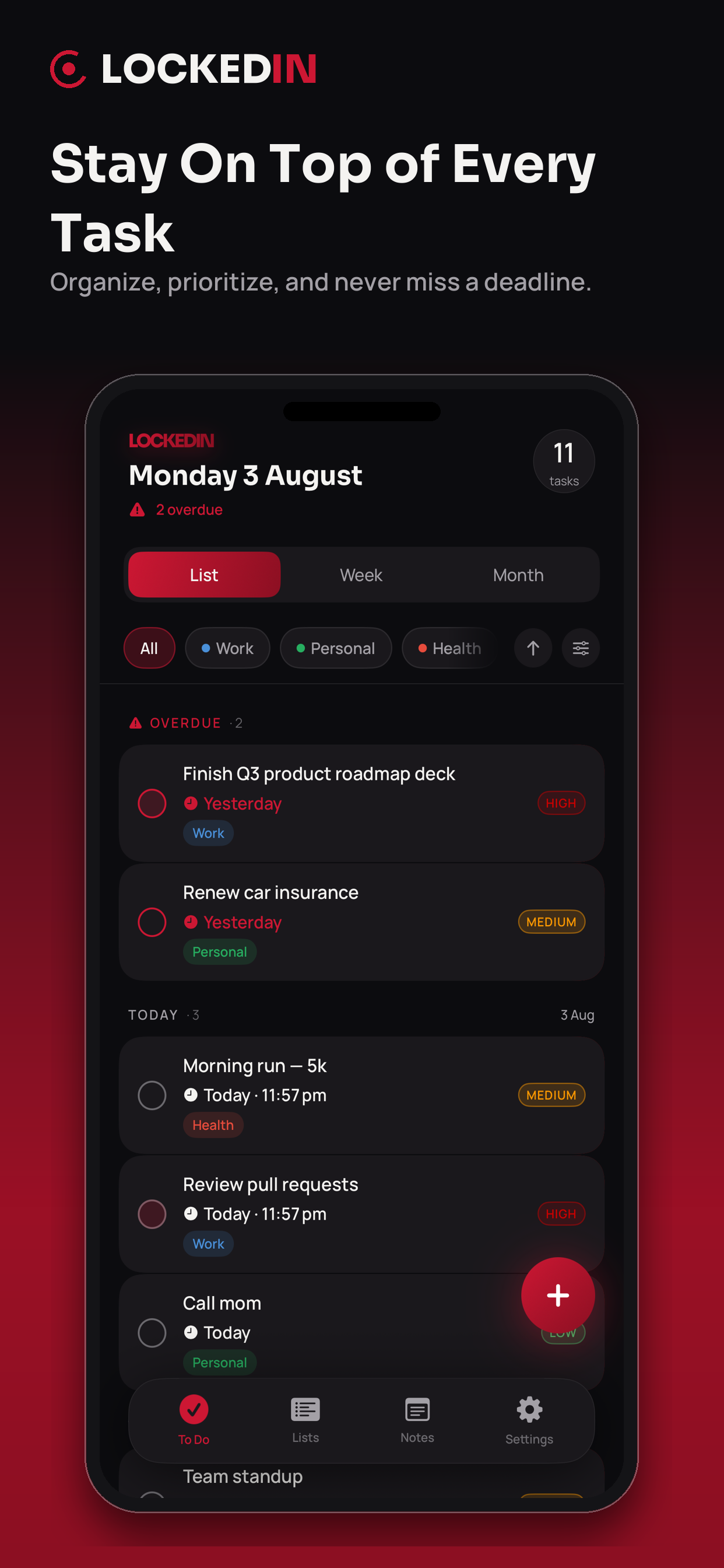
coming soon
Screenshot
coming soon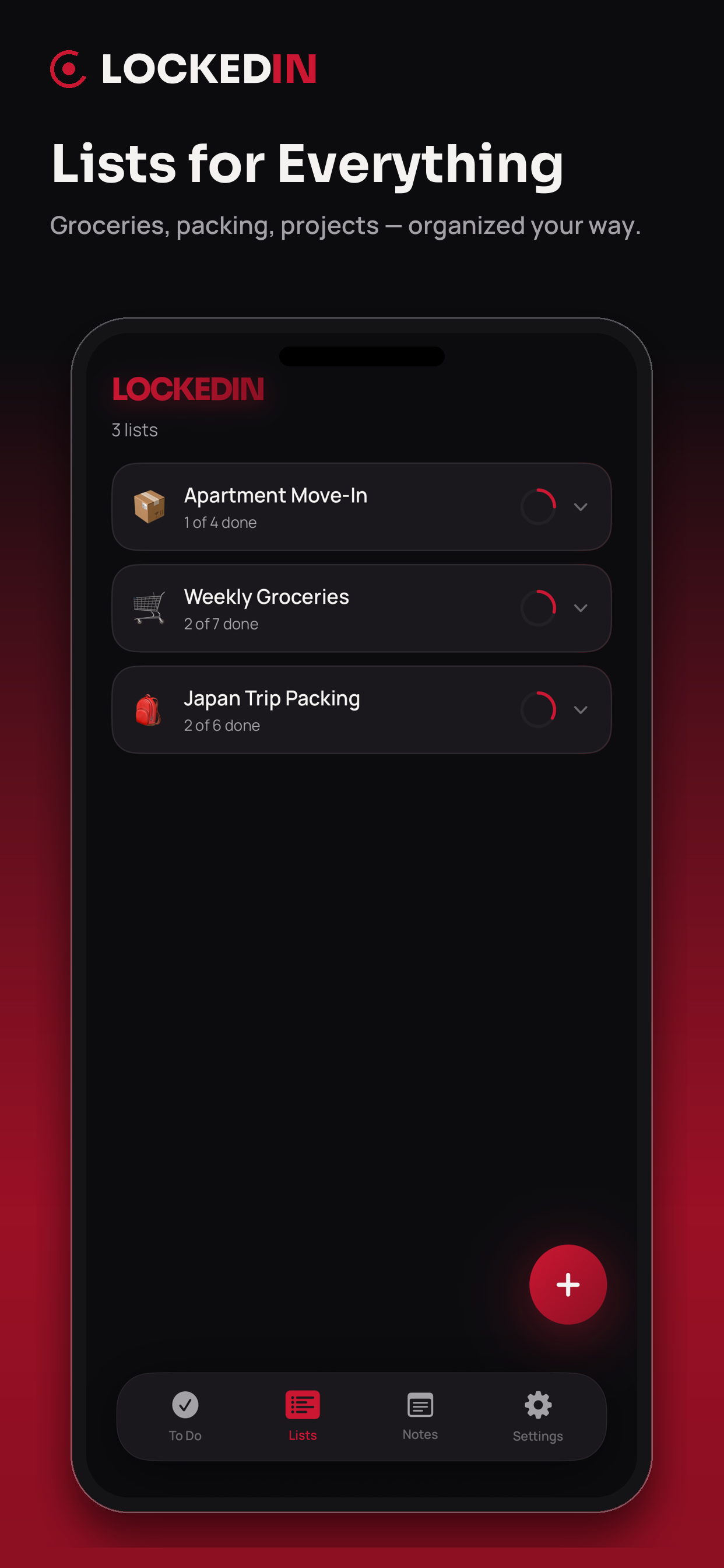
coming soon
Screenshot
coming soon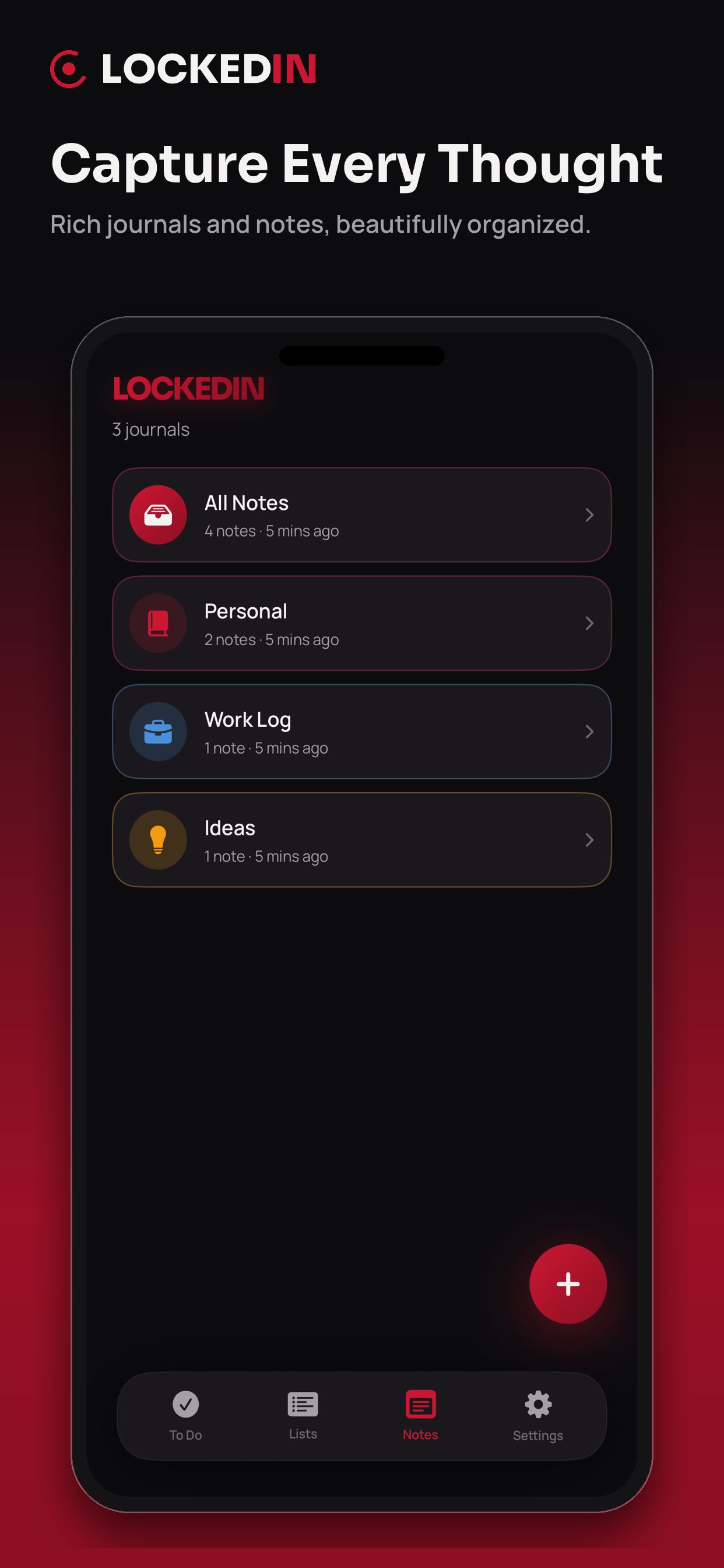
coming soon
Screenshot
coming soon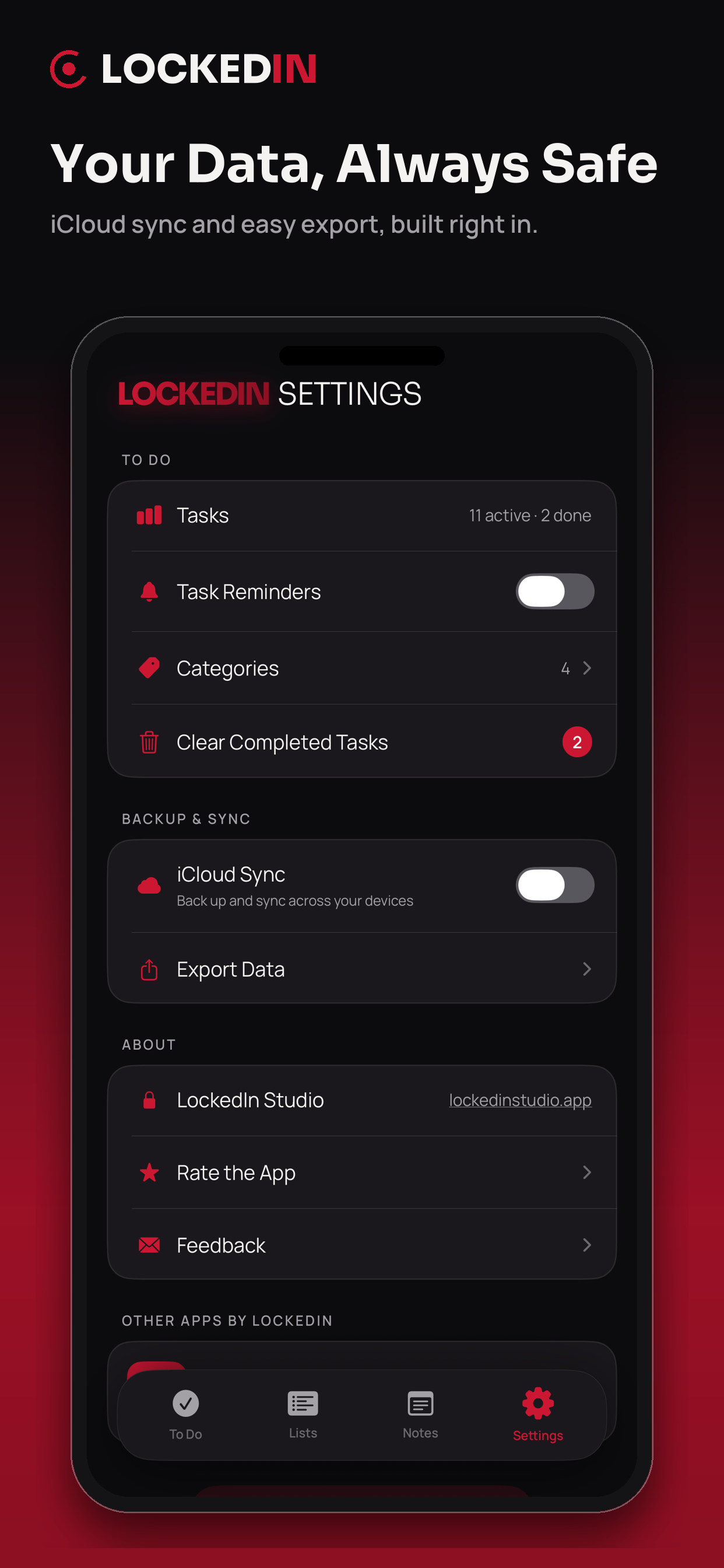
coming soon
About
Why Notes & To-Dos
Everything you need to remember, in one app.
Total privacy
Everything is stored locally on your device — there's no server or backend to leak your data.
One system instead of three
Replaces a separate to-do app, list app, and notes app with a single organized space.
Always in view
Home and Lock Screen widgets surface today's tasks and your latest note without opening the app.
Features
- Smart To Do lists with priorities, categories, and automatic date grouping
- Custom checklists organized into color-coded folders
- Multi-journal notes with a block-based editor
- Home Screen and Lock Screen widgets for tasks and recent notes
- Optional local reminders for due tasks
- 100% on-device storage — no account required
How it works
Capture, plan, remember.
- 1
Land on your tab
Open LOCKEDIN and go straight to Notes, To Do, or Lists.
- 2
File it away
Add a task, checklist, or note, and place it under a category, folder, or journal.
- 3
Stay on track
Check it off, glance at your widget, or get a reminder — instantly, with nothing to sync.
FAQ
Do I need to create an account?
No — LOCKEDIN works fully offline with no sign-in.
Is my data backed up or synced across my devices?
Not currently — everything stays local to the one device you're using.
Can I add photos to my notes?
Yes, via the built-in Photos picker.
Is it free?
Yes, LOCKEDIN is free to use.
Support
Have a question? Email us at edward.sok3@gmail.com and we'll get back to you within 48 hours.
Privacy
LOCKEDIN does not require an account and does not collect, transmit, or store any personal data on a server — there is no backend, and the app never makes a network or API call.
Every task, checklist, category, journal, and note is stored locally on your device. The app uses an App Group container only to share that data with its Home Screen and Lock Screen widgets on the same device — this is local device storage, not cloud sync, and nothing leaves your device.
If you turn on Task Reminders, LOCKEDIN requests permission for local notifications only — there are no push or remote notifications. Adding a photo to a note uses Apple's built-in Photos picker, which runs in its own sandbox and doesn't grant the app access to your photo library. LOCKEDIN does not use HealthKit, location, camera, contacts, or any third-party analytics or advertising SDKs.
Get it all locked in.
One private, offline app for your tasks, checklists, and journaled notes — now on the App Store.