Focus Timer is a distraction-free timer app for anyone who wants more control than a stock Pomodoro app gives them. Build a custom sequence of timer and break blocks on the fly, save your own named templates — Study, Coding, whatever you want — with their own icon and color, or run one of seven built-in presets including classic Pomodoro. It's for students, remote workers, and anyone doing focused work or structured exercise intervals who wants a timer that adapts to their rhythm instead of the other way around.
Now on the App Store
LOCKEDIN Focus Timer.
Build your own focus sequence — timer, break, repeat.
- Custom templates
- 7 built-in presets
- Live Activity & widget
- 100% free
Screenshots
Screenshot
coming soon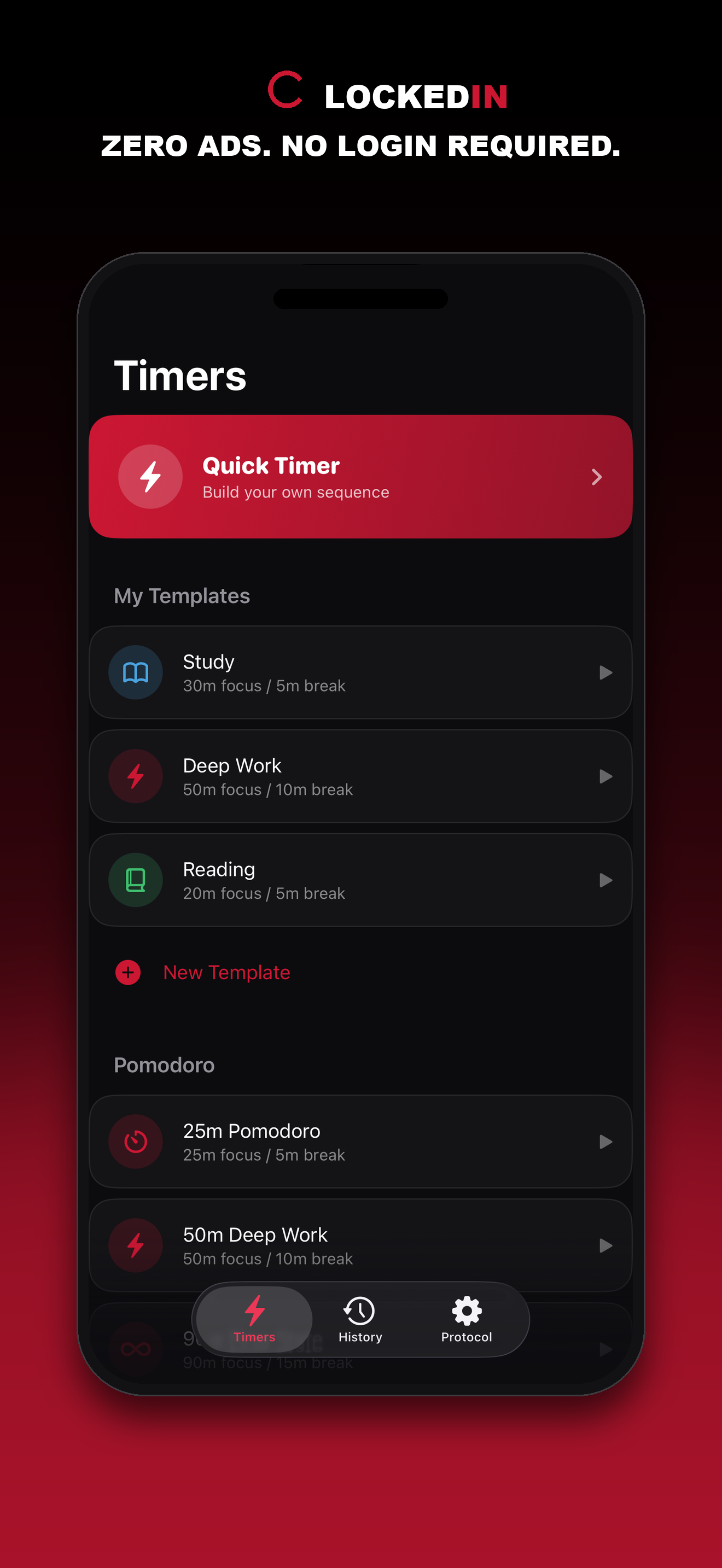
coming soon
Screenshot
coming soon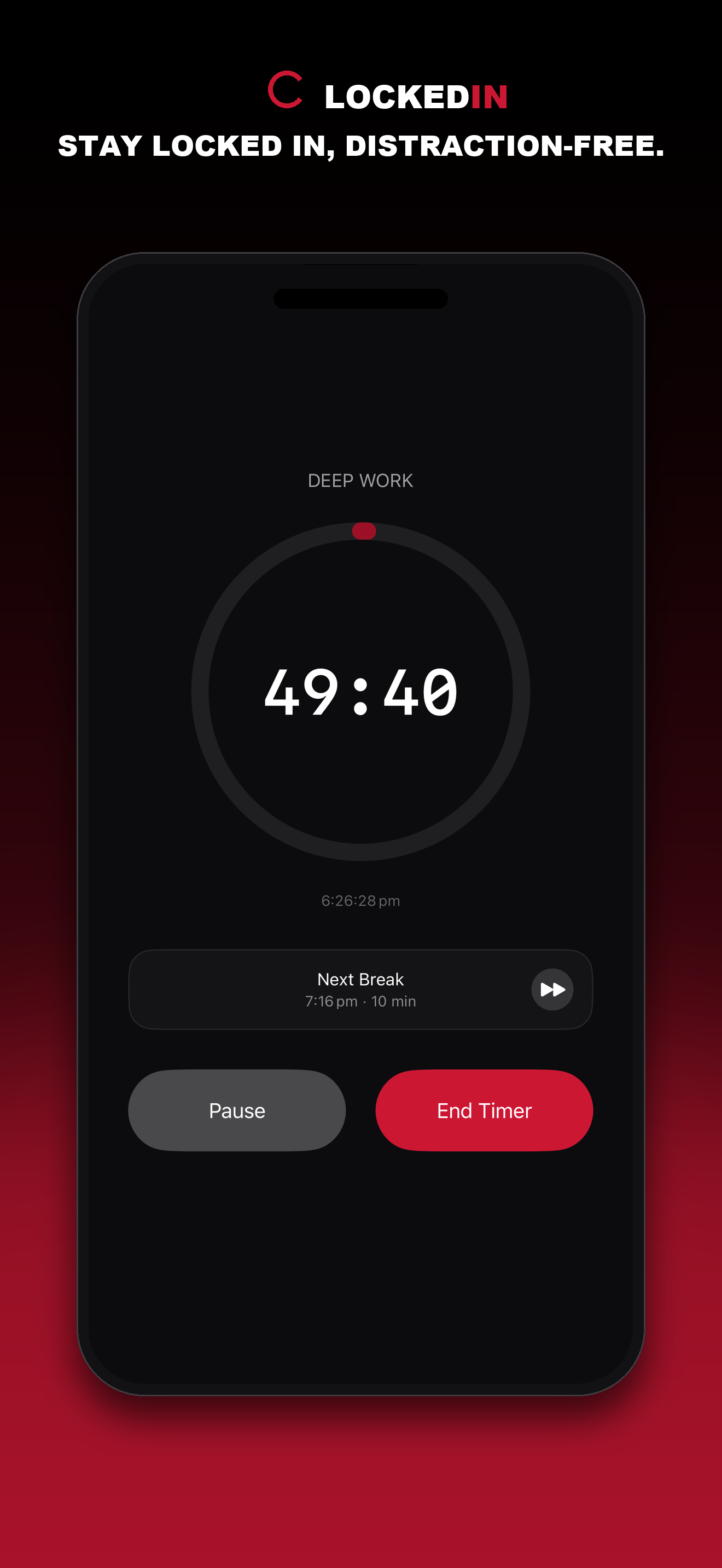
coming soon
Screenshot
coming soon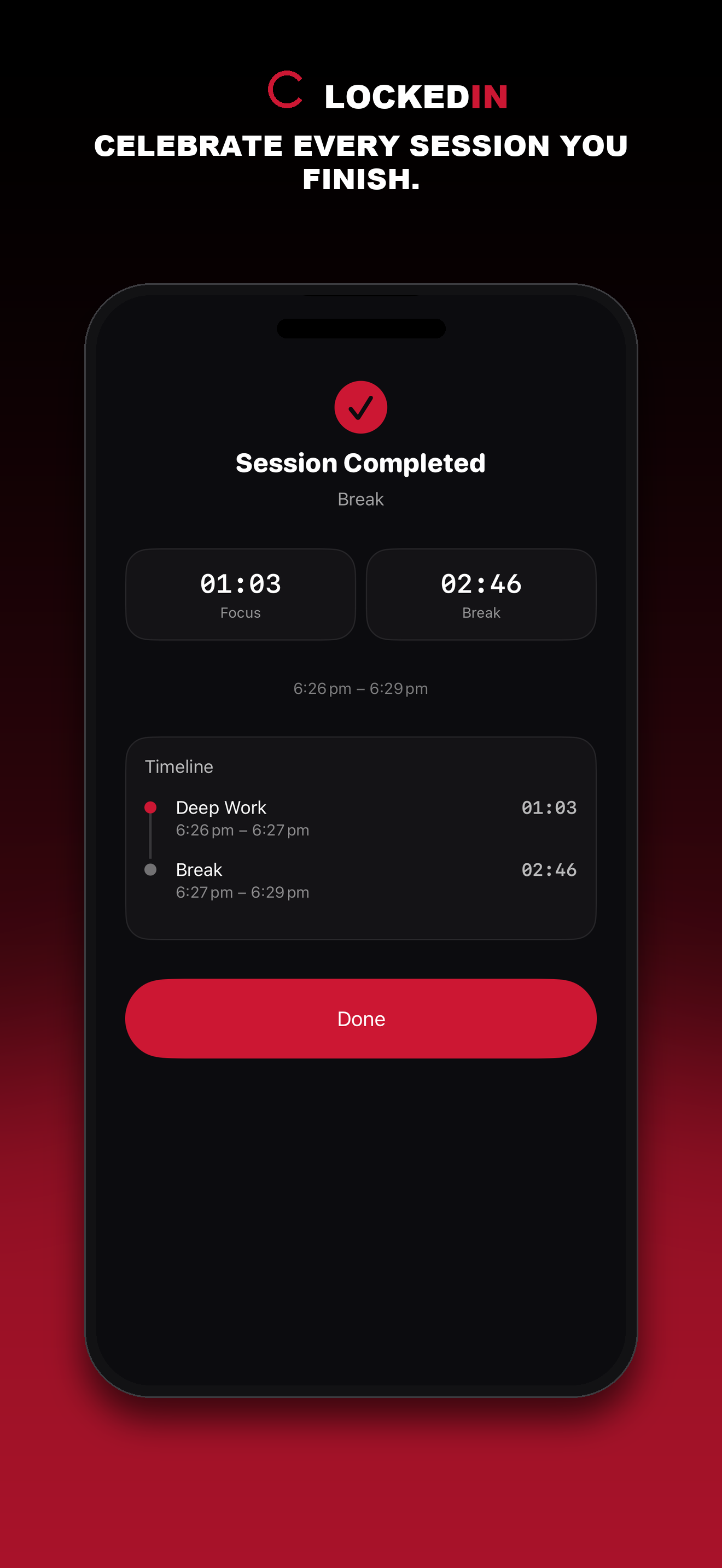
coming soon
Screenshot
coming soon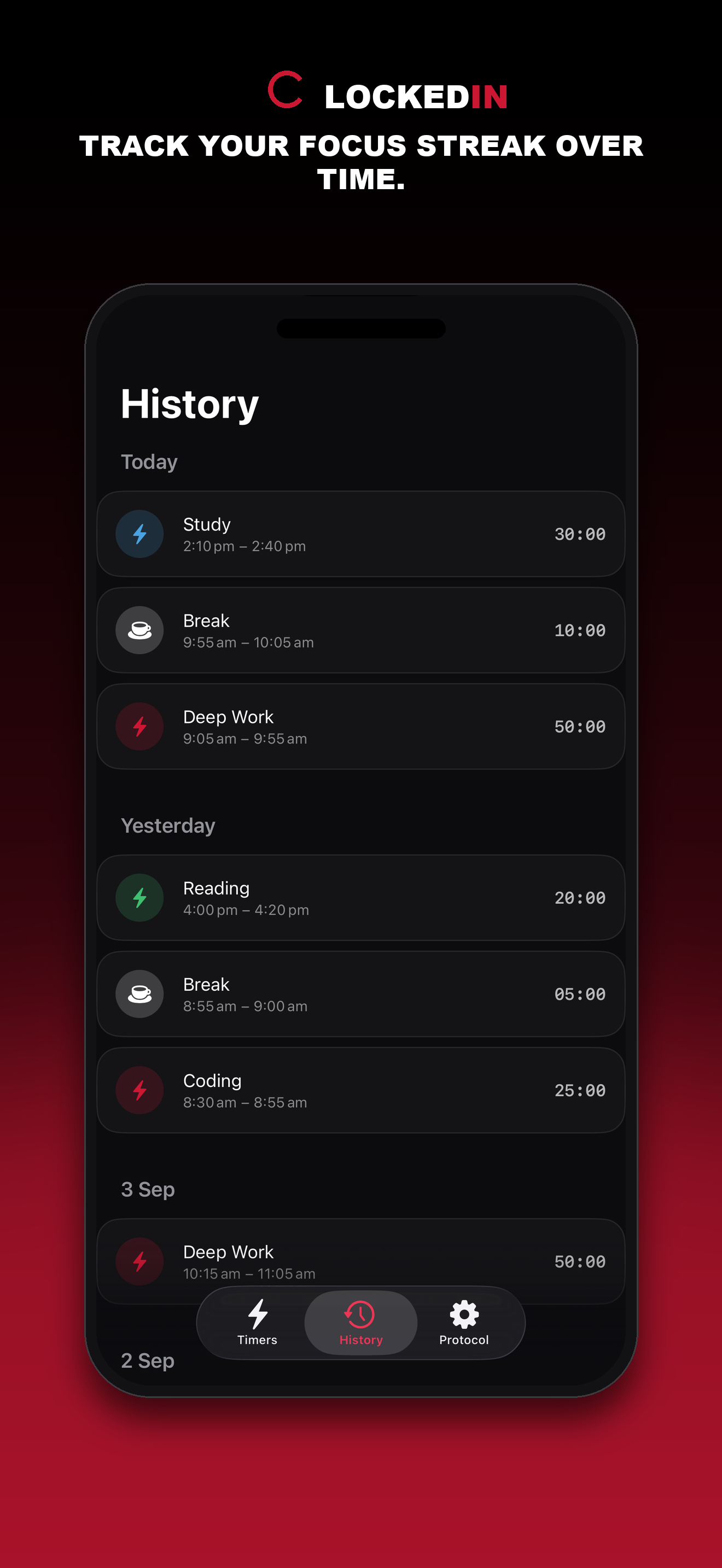
coming soon
About
Why Focus Timer
A timer that adapts to your rhythm, not the other way around.
Fits how you actually work
Most Pomodoro apps lock you into one rhythm — here you name and structure your own sequence.
Genuinely free
Every feature is unlocked, no ads, no account, no subscription.
Stays out of your way
Live Activity and the widget show your progress without needing to reopen the app.
Features
- Quick Timer — build a one-off sequence of timer/break blocks in seconds
- Custom Templates — save named, reusable sequences with your own icon and color
- 7 built-in presets — classic Pomodoro plus popular techniques (52/17 Method, Study Block, Boxing Round, and more)
- Live Activity & widget — see the countdown and your daily streak from the Lock Screen or home screen
- Mid-session flexibility — add another block, extend by +1 minute, or skip ahead without restarting
- Session history — a simple log of every completed session, grouped by day
How it works
Three steps, zero setup.
- 1
Pick a timer
Choose a Quick Timer, a saved Template, or a Pomodoro preset from the Timers tab.
- 2
Run it your way
Pause, skip ahead, add a minute, or add another block whenever you want.
- 3
Track your streak
Check the History tab or the widget to see completed sessions and your streak.
FAQ
Does it cost anything?
No, every feature is free with no ads or subscription.
Do I need an account?
No, there's nothing to sign up for; all data stays on your device.
Can I build my own timer instead of using Pomodoro?
Yes, Quick Timer and Templates let you build any sequence of timer/break blocks.
Does it show up on the Lock Screen?
Yes, via Live Activities, plus a home screen widget with today's stats and streak.
Support
Have a question? Email us at edward.sok3@gmail.com and we'll get back to you within 48 hours.
Privacy
No account, no cloud, no tracking — full detail below.
Focus Timer has no account or sign-in of any kind. There's no iCloud sync — every session, template, and streak is stored on-device only, using Apple's on-device SwiftData storage. An App Group is used only to share today's stats between the app and its widget/Live Activity — that handoff is still entirely on-device, never a server.
Notifications (session/break-ended alerts, a streak-protection reminder) are local only — the standard iOS permission prompt appears on first run, and there is no push notification service involved. The app does not use HealthKit, location, or camera/microphone access.
The app contains no third-party SDKs, no analytics, no tracking, and no ads — the project has zero external dependencies. Live Activities (Dynamic Island/Lock Screen) are used to show the running countdown, and are also fully on-device.
Terms of Use
Standard Apple licensing terms apply.
LOCKEDIN Focus Timer is distributed under Apple's standard End User License Agreement (EULA). By downloading or using the app, you agree to its terms.
Find your rhythm.
Build a focus sequence that matches how you actually work — free, private, no account, now on the App Store.